

Notion for SMEs in 2025: Real Project Management Wins & Fixes
Notion for SMEs in 2025: Real Project Management Wins & Fixes
TL;DR: Is Notion for SMEs the right project management tool in 2025? Discover real-world wins, limitations, and how to build a central hub.
Discover what actually works - and what doesn't - when using Notion as a project management hub for small and medium businesses in 2025
Let's get brutally honest—every week, a new 'productivity' app promises to transform team productivity. The reality for most small and medium-sized enterprises is often tool chaos and context switching. While many platforms exist, using Notion for SMEs as a project management hub has gained significant traction, but it's not without its challenges. I've tested everything from Miro to Jira, and yet Notion is the one that has stuck. But, as always, there's a catch!
Here's what actually works, what needs fixing, and what I'd tell any founder, manager, or fast-moving exec about using Notion for real-world project management in 2025.
YET, before you assume that Notion is the ultimate solution for everyone, let's be realistic: what works for me won't necessarily work for you. The most important thing isn't the tool itself - it's about organizing your information and, more importantly, creating systems and processes you can rely on every day. That said, let me share my own personal AND professional setup. Here's why my system fits my needs, and - if you have to choose just one project management tool for your SME - why I still recommend Notion as the best starting point.
1. Build a Central Project Hub with Notion for SMEs
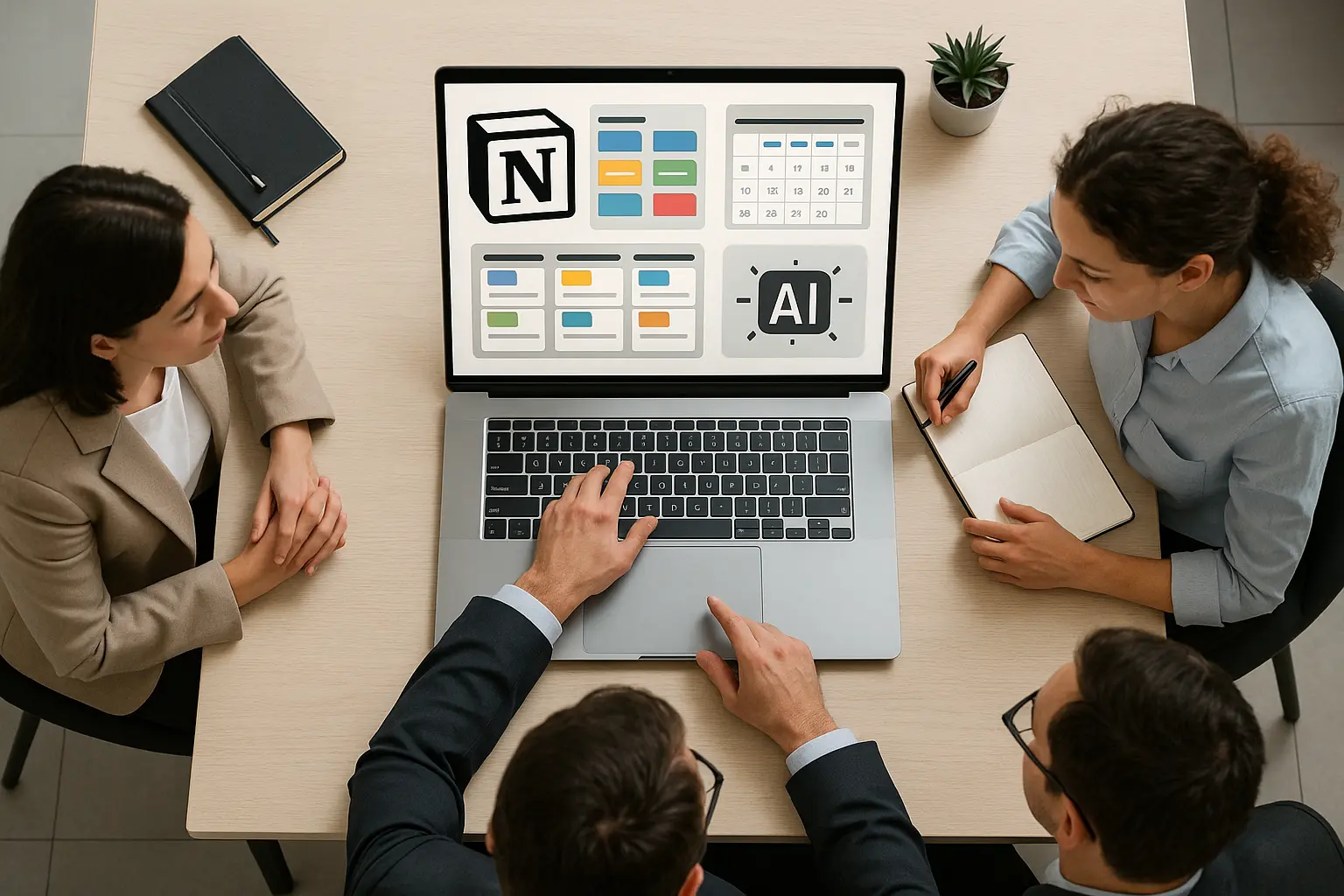
Real-world problem: In most SMEs, project details are scattered between emails, Slack threads, spreadsheets, and PDFs. Notion's edge: It lets you build a unified project hub: custom databases, kanban boards, timelines, deadlines, briefs, and discussion - all in one view. Everyone sees the same data in their favorite format.
Business snapshot: A marketing agency uses Notion for all client projects - internal tasks go to a kanban board; deliverable deadlines appear in a client-accessible calendar. Clients comment right on the deadlines, while the agency team drags tasks to signal progress. No need for five different logins, zero "did you get my email?" chaos.
2. Standardize and Automate - Templates & AI for Consistency
Blank-canvas flexibility is Notion's blessing and its trap. Teams drown in freeform unless you create structure. Enter: database templates for making repeatable workflows (briefs, SOWs, charters) and AI summaries that auto-update as tasks move. This is a core part of effective Workflow Automation Design.
Live use case: A software consultancy has every project auto-populate with scope, milestones, and risk fields. Weekly, managers eye the color-coded ring chart AI creates and instantly know which projects need attention - no more prepping reports from scratch.
3. Link, Sync, and Reduce App Fatigue
Notion's relational databases mean updating a task ripples into project timelines automatically. Its true superpower? Embed everything else: Figma, Google Docs, Miro, Slack, Jira, and GitHub. One workspace, no tab overload.
Example: A product team links their bug-tracking to the feature roadmap. Fix a bug, and progress bars on features update. Marketing gets Slack pings when statuses change. Designers drop Figma prototypes straight into feature cards for instant stakeholder feedback.
Centralizing all project data in Notion slashed my wasted time juggling multiple apps - this wouldn't have been possible if I had tasks scattered across email, Slack, and spreadsheets.
4. Let Notion AI Sweat the Small Stuff - Meetings, Summaries, and Research
Notion AI integration changes the game: AI-generated summaries, meeting action lists, automated research, and enterprise search across connected apps. No more missing action items or forgotten decisions.
A real workflow: A consulting firm records a Zoom meeting, Notion AI grabs the transcript, extracts action items, and assigns owners. The summary drops back into the project page. Need to answer "what's blocking our campaign?" - An AI query scans Slack, Drive, and Notion for you.
5. Pricing, Limitations, and Scaling Up - Start Small, Don't Get Lost
The good: free and low-tier plans deliver real value; AI features shine at the Business level. The catch: Notion needs upfront setup, and big teams or recurring/complex workflows might hit friction points. This is where an AI Readiness Assessment can help determine if the tool fits your long-term goals. Automations frequently require Zapier, read, or similar tools.
Studio example: Five designers start on the free plan. As they standardize on Notion, the read's $20/user/month is worth it - cutting out other subscriptions. They review after a few months: is custom automating worth the effort, or is it time to pivot to a more specialized tool?
My No-BS Take
Notion's power lies in starting simple - a to-do list - then layering complexity as your org matures. Its biggest win: the same project can be a board, calendar, or timeline. AI quietly handles status updates, summaries, and research once you're ready. The cost? A willingness to invest effort up front and rethink old habits. Missing built-in automations or recurring tasks? You'll feel it, but extending Notion is possible, often requiring a clear Digital Transformation Strategy to implement effectively.
My advice: Start with a basic tracker. Use templates for new projects, and roll in AI features as you go. If your team feels like they're coding systems more than delivering outcomes, hit pause and reconsider your stack.
What about you? Have you made Notion your company's OS, or faced challenges that pushed you toward another solution? If you're ready to make the most out of Notion - or want help streamlining your workflows with automations (Zapier, read, n8n, or beyond) - drop your workflow, tips, or pain points below. I'm happy to help you set things up, suggest automation strategies, or troubleshoot roadblocks. Let's build better, together!
Further Reading
- Digital Transformation for SMEs: A 2026 Guide
- AI Workflow Automation: The Maturity Ladder for SMEs
- Make.com for Enterprise: The 2026 Automation Economics Guide
- How SMEs Can Pilot Agentic AI Workflows on a $500/Month Budget
Written by Dr Hernani Costa, Founder and CEO of First AI Movers. Providing AI Strategy & Execution for Tech Leaders since 2016.
Subscribe to First AI Movers for daily AI insights, practical and measurable business strategies for Business Leaders. First AI Movers is part of Core Ventures.
Ready to increase your business revenue? Book a call today!
About the author
- PhD in Computational Linguistics. I build the operating systems for responsible AI. Founder of First AI Movers, helping companies move from "experimentation" to "governance and scale." Writing about the intersection of code, policy (EU AI Act), and automation.
Comments
Join the discussionNo comments yet. Be the first to comment.




